








Generator
Geschichte
KI-Grundrissgenerator
Änderungswerkzeug
Modell
Basic
Wechseln
Räume
Schlafzimmer
-
2
+
Badezimmer
-
1
+
Küche
offen
geschlossen
Bruttofläche
Einheit Metrisch
 imperial
Metrisch imperialBereich
< 50㎡
50-80㎡
80-100㎡
100-120㎡
120-150㎡
> 150㎡
Zusatzleistungen
Walk-in-Schrank
Waschküche
Lagerraum
Hauswirtschaftsraum
Homeoffice
Garage
Speisekammer
Wohn-Esszimmer-Kombination
Balkon

Unlock Your Design Vision with Our AI Room Blueprint Creator
Transform your ideas into precise 2D floor plans in seconds with Ideal House’s advanced AI Floor Plan Generator. Whether you’re a homeowner, designer, or real estate professional, our intuitive **room blueprint creator** makes designing your ideal space simpler and faster than ever before. Generate detailed layouts, experiment with different configurations, and bring your visions to life with unparalleled ease.
Generate My Floor Plan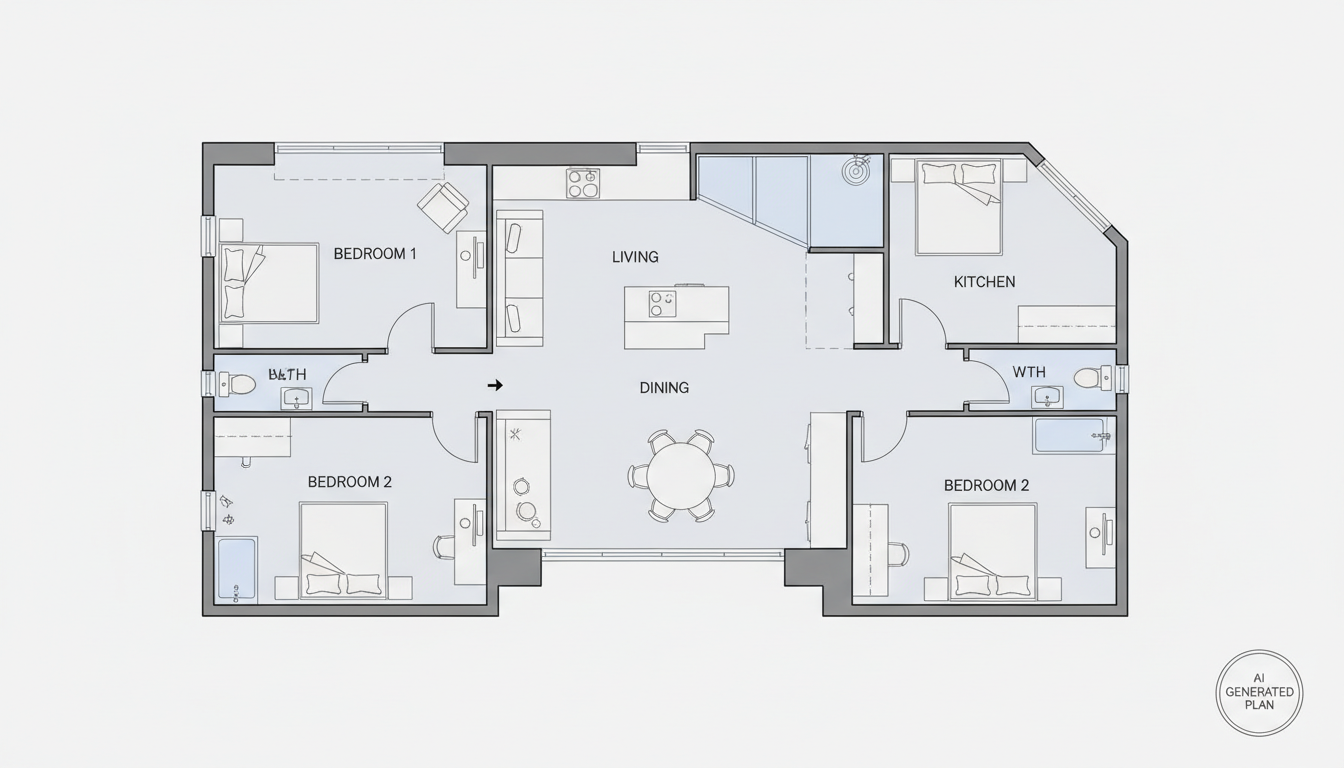


Why Choose Ideal House as Your Room Blueprint Creator?

Instant 2D Floor Plan Generation
Say goodbye to complex CAD software. Our **AI floor plan generator** produces professional-grade 2D layouts from basic parameters in moments. Define bedrooms, bathrooms, kitchen style, and gross area to get a clear, ready-to-use **room blueprint creator** output that saves you valuable time.
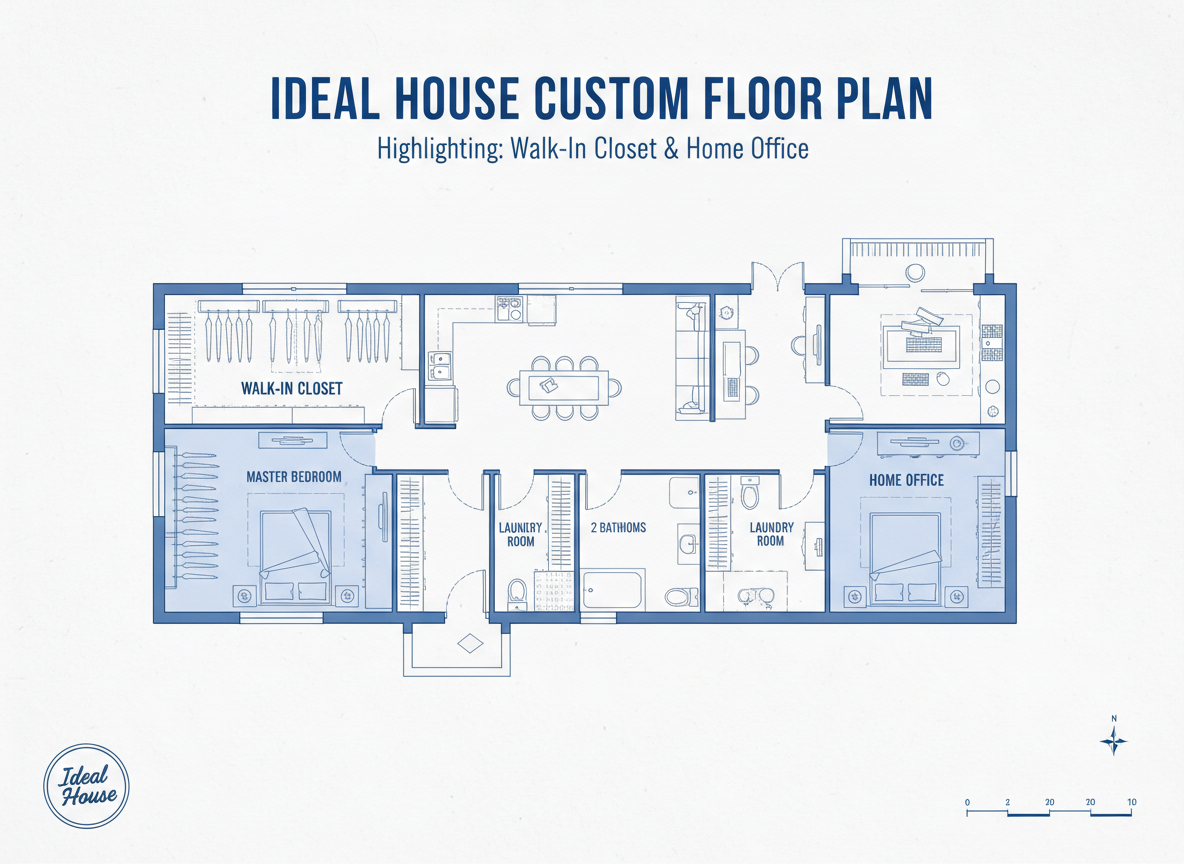
Tailored Custom Floor Plans
Every design project is unique. Ideal House acts as a versatile **room blueprint creator**, allowing you to customize your layouts with specific extras like walk-in closets, home offices, or combined living-dining areas. Craft **custom floor plan** designs that perfectly match your spatial requirements.
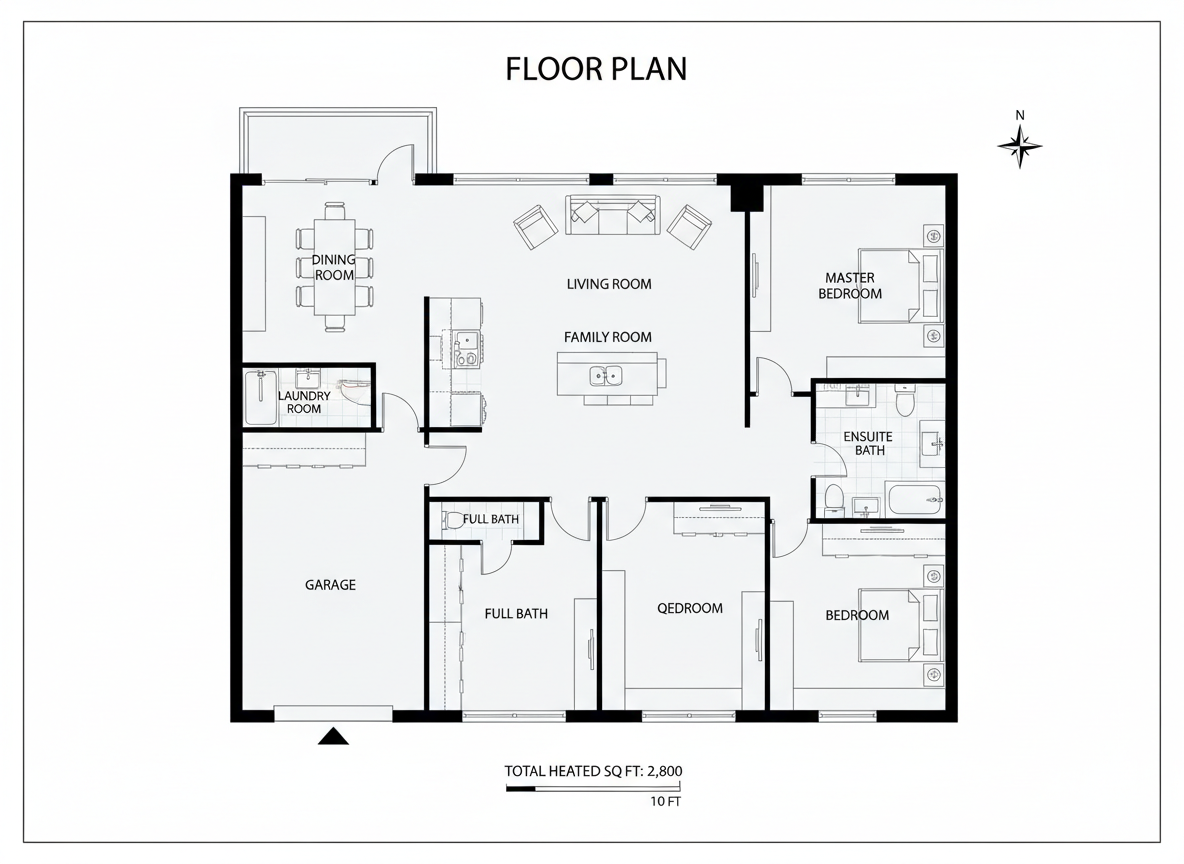
Enhanced Real Estate Listings
For real estate agents and developers in North America, a compelling visual is key. Utilize our **room blueprint creator** to generate consistent, professional **residential floor plans** that immediately convey a property's layout. Improve buyer understanding and accelerate decision-making with high-quality **apartment layout** visuals.

Streamlined Design Workflow
Integrate Ideal House into your design process for a more efficient workflow. From initial concept to client presentation, this **room blueprint creator** simplifies the creation of **architectural drawing tool** outputs, allowing you to iterate quickly and collaborate effectively. It’s an essential **space planning tool** for modern designers.

Who Benefits from Our AI Room Blueprint Creator?

Homeowners & DIY Enthusiasts: Easily visualize your dream home or renovation project.

Interior Designers & Decorators: Quickly generate conceptual 2D floor plans for client presentations.

Real Estate Professionals: Create compelling, consistent floor plans for all your property listings.

How to Generate Your Floor Plan with Ideal House
1
**Set Your Rooms:** Begin by specifying the number of bedrooms (0-4) and bathrooms (1-3) to establish the basic structure for your **room blueprint creator**.
2
**Define Kitchen Style:** Choose between an 'open' or 'closed' kitchen to influence the flow and privacy of your living spaces.
3
**Select Gross Area:** Pick a gross area range that best fits your project's desired footprint, guiding the overall scale and room proportions.
4
**Add Unique Extras:** Personalize your design by selecting specific features like a walk-in closet, home office, garage, or balcony.
5
**Generate & Refine:** Click 'Generate' to instantly produce a clear 2D floor plan. Review, adjust parameters, and regenerate to explore various options with our powerful **room blueprint creator**.
6
**Download & Share:** Export your preferred floor plan as an image or PDF, ready for sharing with clients, contractors, or for use in property listings.
FAQs About Our AI Floor Plan Generator
How does the AI create a floor plan from my selections?
Our **AI floor plan generator** interprets your input on rooms, kitchen type, gross area, and extras, then applies intelligent design principles to draft a logical and functional 2D layout. Each generation offers a fresh, unique blueprint.
What customization options are available for the room blueprint creator?
You can specify bedroom (0-4) and bathroom (1-3) counts, choose between open or closed kitchens, select a gross area range, and add multiple 'extras' like a walk-in closet, laundry room, home office, garage, pantry, combined living-dining, or balcony for a truly **custom floor plan**.
Can I compare different generated floor plans?
Absolutely! Every **2D floor plan** you generate is saved in your 'Generation History'. You can easily filter and view multiple versions side-by-side to compare designs and make informed decisions using your **room blueprint creator**.
How does selecting a 'Gross Area' range impact the design?
The gross area range helps the **AI floor plan maker** proportionally size rooms and corridors, ensuring the overall layout feels natural and functional for the specified footprint, optimizing your **room layout designer** experience.
Is Ideal House suitable for professional architectural drawing needs?
While Ideal House is an excellent **architectural drawing tool** for conceptualizing and quickly generating precise 2D layouts, it serves as a powerful starting point. It's ideal for initial design exploration, client presentations, and real estate listings, offering an advanced **digital floor planner**.
Discover More Ideal House Design Tools
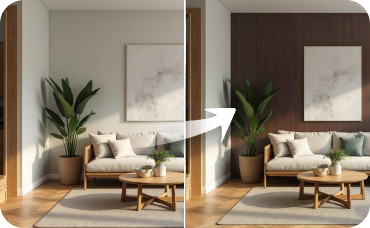
Room Visualizer
See your entire room transformed with new colors, materials, and decor in multiple styles at once.

Magic Editor
Fine-tune specific details on your design, like perfecting sash window replacement ideas or adjusting exterior trim color.
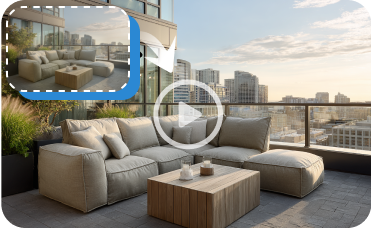
Image to Video
Create a captivating video walkthrough of your home's new Italian Gothic exterior.
Ready to Design Your Perfect Space?
Experience the fastest way to create detailed 2D floor plans. Our AI **room blueprint creator** is your ultimate tool for home design, renovations, and real estate listings.
Generate My Floor Plan
💰 Holen Sie sich 10% Provision als Partner von Ideal House.
Schließen Sie sich an